
Turn first notice into a confident next move.
Spark Claim captures, validates, organizes, scores and routes first notices before they reach your claims system. Your adjusters get a prepared file. Your claims professionals make the call.
Intake is where claims work starts to slip.
Prepare intake before it reaches your claims system.
Workers' Comp first report of injury, prepared for review.
Prepare injury reports for claims review. Route the right information to the right professionals.
The Workers' Comp FROI accelerator is built for carriers, TPAs and self-insured claims organizations, and it's configured to the jurisdictions you handle.
See it in a demo- Jurisdiction-specific intakeConfigure first-report intake by jurisdiction, line of business and program.
- Document preparationOrganize the injury report and supporting documents into a reviewable file.
- Evidence comparisonCompare the injury report with supporting documents and flag discrepancies.
- Claim summariesGive the reviewer a clear picture of the claim.
- Exposure identificationSurface compensability, recovery, medical handling and return-to-work considerations for the professional to assess.
- Prioritization and routingSend each report to the right professional.
- STEP 1ReceiveTake in the first report of injury.
- STEP 2PrepareOrganize the report and documents.
- STEP 3CheckCompare the evidence and flag discrepancies.
- STEP 4 · HUMANReviewA claims professional reviews and decides.
- STEP 5DeliverSend the prepared claim to your claims system.
From first notice to a prepared file.
Intake, triage and review for P&C first notice of loss, plus the Workers' Comp first report of injury workflow.
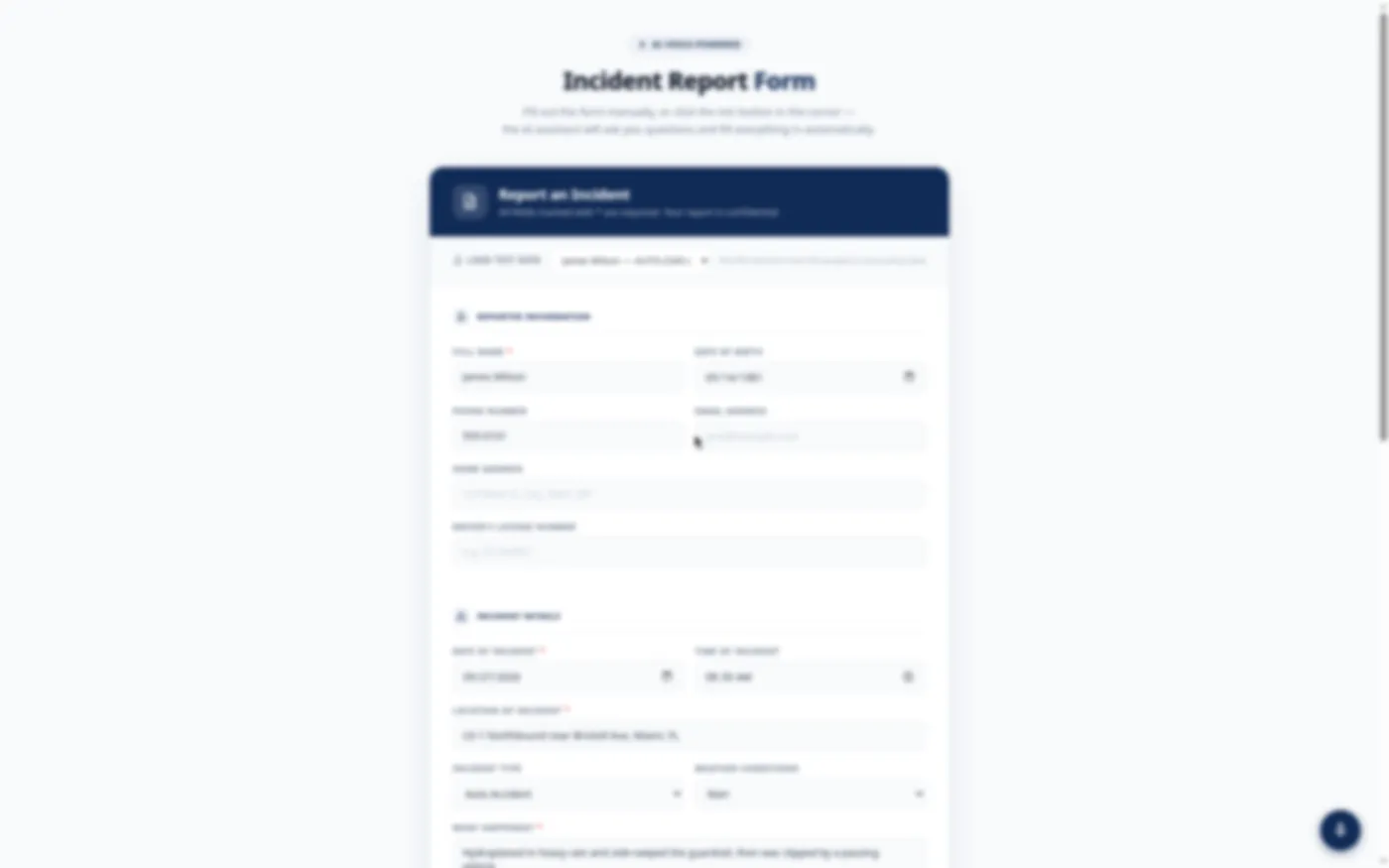
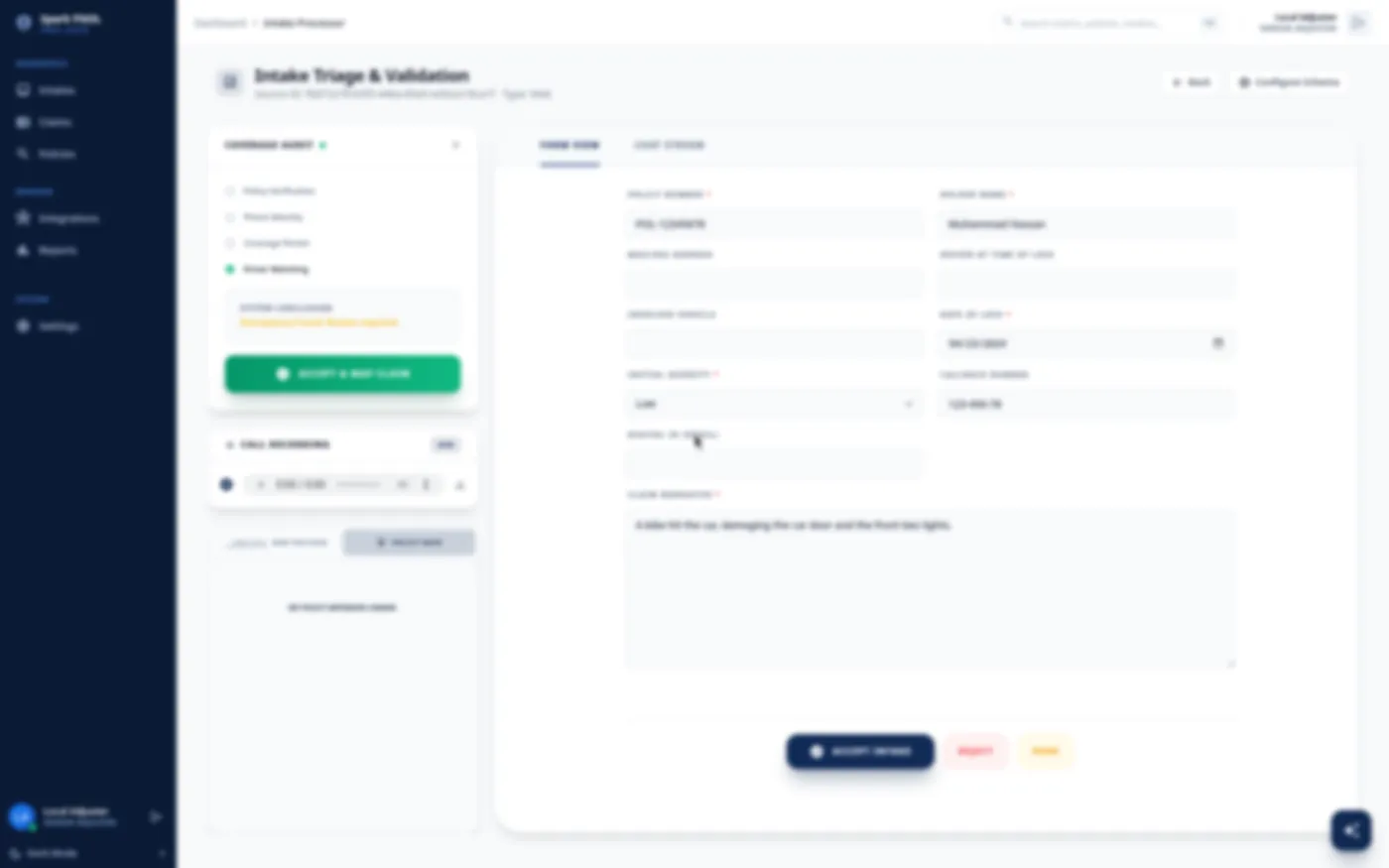
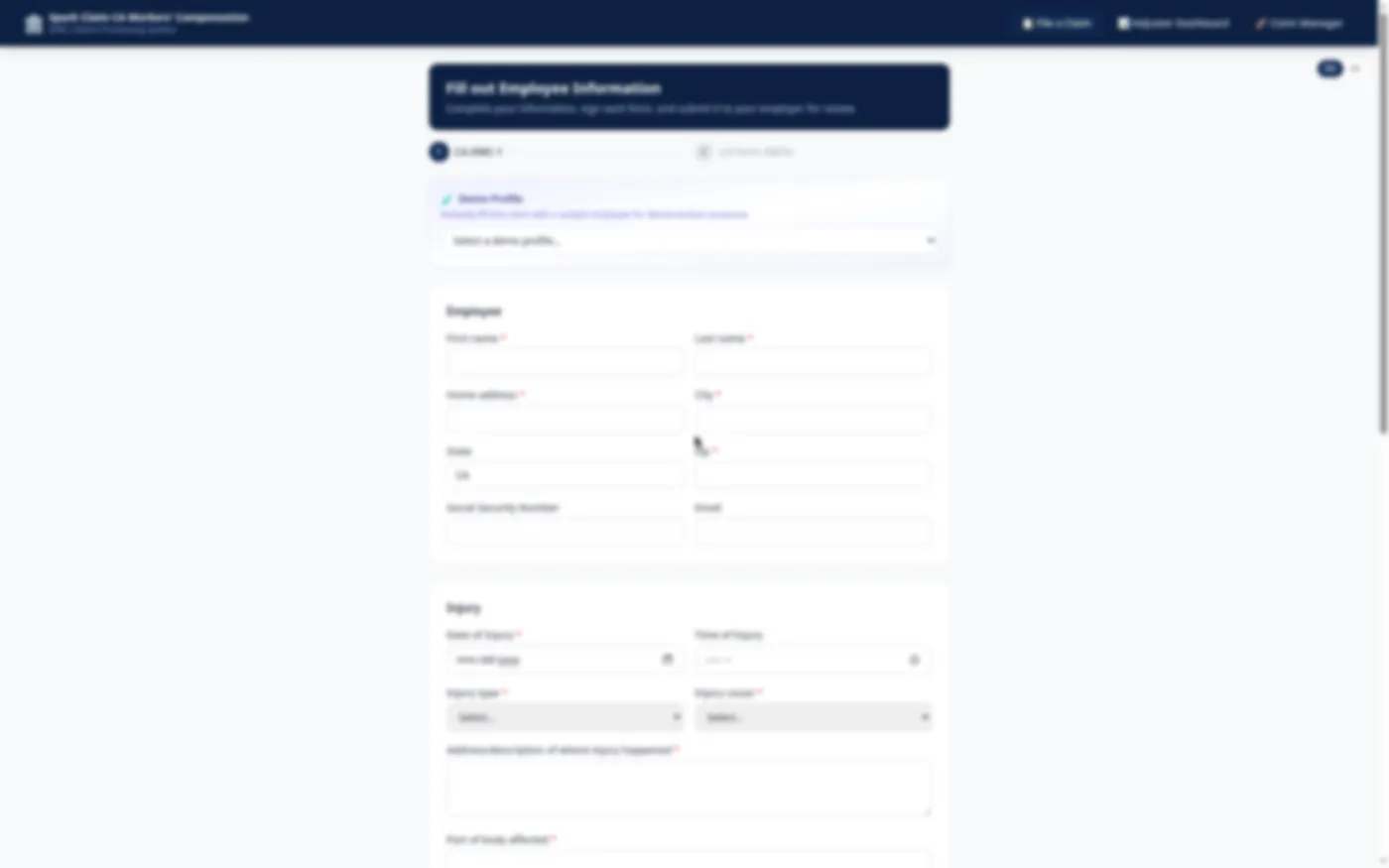
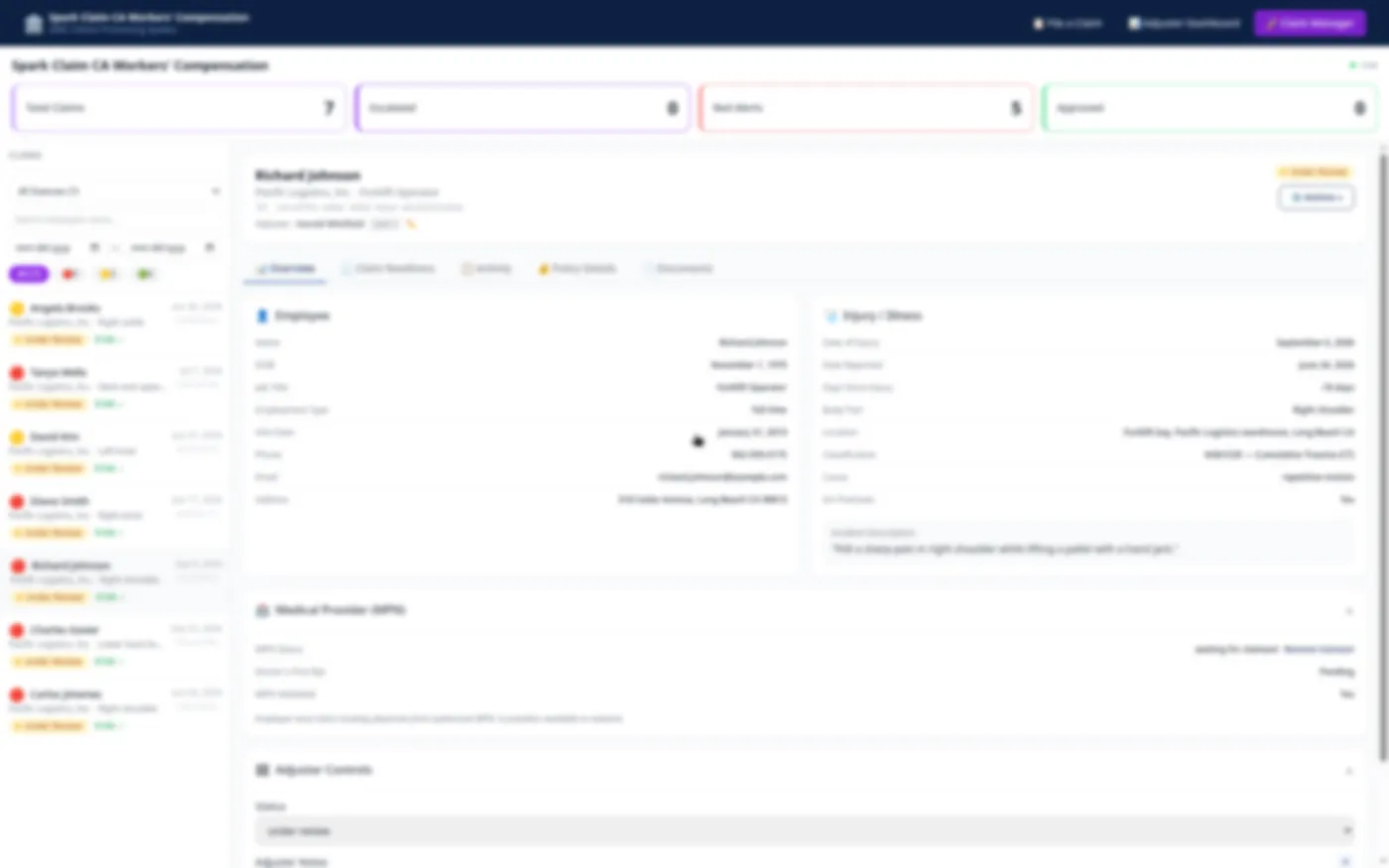
Screens from a Spark demo environment. Data is illustrative and details are blurred.
How it fits your stack.
Spark Claim sits in front of and alongside your existing claims system. It doesn't replace it. Intake is captured, checked and organized in Spark Claim first. Prepared information then goes to your core through a translation layer and webhooks or APIs, so your claims system stays the system of record.
Spark Claim can serve more than one core system, division or program. Integration scope is set during scoping, based on your environment.
Your claims professionals keep decision authority.
Spark Claim prepares the file. People decide what happens next. AI suggestions are shown as suggestions, for a person to accept, change or set aside.
Questions
No. Spark Claim works in front of and alongside your current claims system. It prepares intake and sends organized information to your core through APIs, so your existing system stays in place.
Questions
Questions
No. Spark Claim organizes, summarizes, scores and suggests. Your adjusters and claims managers make every decision. Business rules are kept separate from AI suggestions, and every suggestion, edit and approval is recorded.
Questions
It depends on your workflows, your channels and the systems we connect to, so timing is set during scoping. Every engagement follows the same path: Diagnose, Configure, Integrate, Validate, Launch and measure. You can start with one intake workflow, such as Workers’ Comp FROI, and expand from there.
See Spark Claim work on a real intake flow.
Book a 30-minute demo. Bring the claim type that gives your team the most trouble, and we'll walk it from first notice to routed file.
Prefer email? Write to solutions@advancio.com.